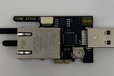
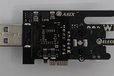
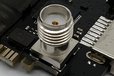
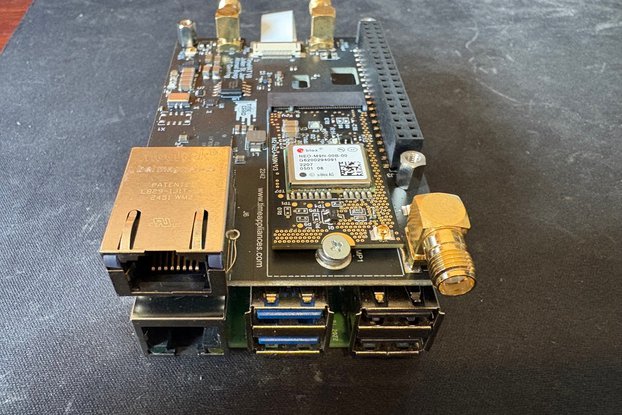
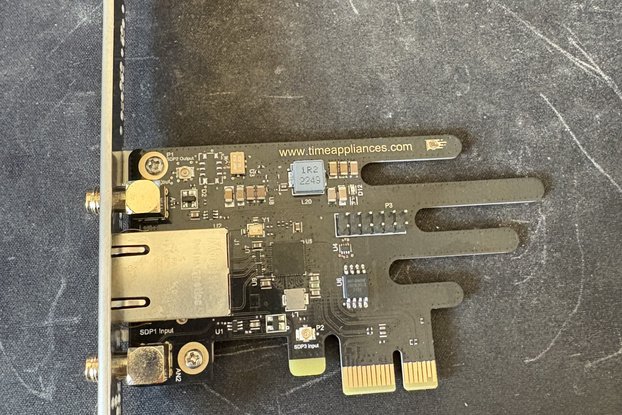
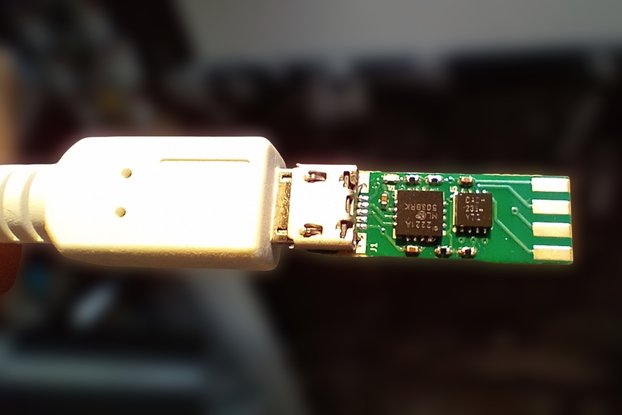
AX88279 USB3.2 Ethernet Adapter and PTP, Exposes Single SMA from AX88279 for Timing Output, Connector for GNSS TOD I/O and PPS
Designed by TimeAppliances in United States of America
Buy with confidence.
Our Tindie Guarantee protects your purchase from fraud. Learn More
TimeStickV2 USB to Ethernet adapter with AX88279 and SMA The Time Stick USB adapter brings precision timing and advanced network functionality to any platform with a USB port. In a small form facto…
Read More…

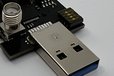
The Time Stick USB adapter brings precision timing and advanced network functionality to any platform with a USB port.
In a small form factor, the Time Stick integrates the high-performance AX88279 USB-to-Ethernet controller with precision timing output via an SMA connector.
It’s a powerful tool for building small form-factor PTP (Precision Time Protocol) clients or grandmasters, ideal for time-sensitive networking applications.


The following steps have been tested on fresh installs of Ubuntu 22.04.1 LTS (6.8.0-90-generic kernel) and 24.04.02 LTS (6.11.0-29-generic kernel):
unzip ax88279_linux_tod_suite-main.zipcd ax88279_linux_tod_suite-mainunzip ASIX_USB_NIC_Linux_Driver_Source_v3.5.17_251008.zipcd ASIX_USB_NIC_Linux_Driver_Source_v3.5.17_251008makeax_usb_nic.ko will be created in the current directory.To install the built driver for use with modprobe:
sudo make installax88179_178a driver if it exists.To load or unload the installed driver:
sudo modprobe ax_usb_nicsudo modprobe -r ax_usb_nicTo check driver info:
modinfo ax_usb_nicTo load the driver manually from the build directory:
sudo modprobe mii
sudo insmod ax_usb_nic.ko
To unload the driver manually:
sudo rmmod ax_usb_nicTo check driver info:
modinfo ax_usb_nic.koThe /Scripts/ directory contains a test script called ptp_setup.sh. This script can be used to quickly configure and run a PTP test with a master/slave configuration.

sudo apt install net-toolssudo apt install ethtoolsudo apt install linuxptpOnce the necessary tools are installed on each Linux machine, execute the script on each machine.
Note: The script assumes you have installed the ax_usb_nic driver via sudo make install after building the driver.
ifconfig (or ip addr) to identify the Time Stick V2 network interface on each Linux machine../ptp_setup.sh -m./ptp_setup.sh -s
Note: Try running both scripts at the same time; otherwise one may time out while trying to ping the other Time Stick.s then Enter.
For reference, here is the ptp_setup.sh help menu output:
Usage: ./ptp_setup.sh
    : The network interface (e.g., eth1).
    : 'm' for master, 's' for slave.
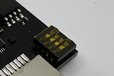
The onboard SMA can be configured as either an input or output via DIP switch settings. Below is a table showing the possible configurations for the DIP switch and the corresponding direction.

Buy with confidence.
Our Tindie Guarantee protects your purchase from fraud. Learn More

/i/042525/products/2025-10-22T18%3A24%3A26.041Z-IMG_0699..jpeg?1761132280)