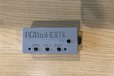
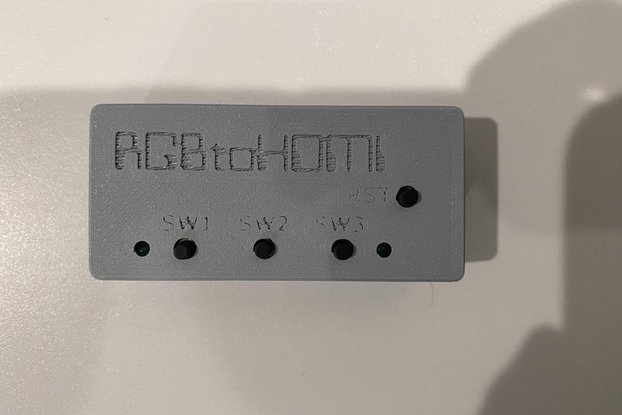
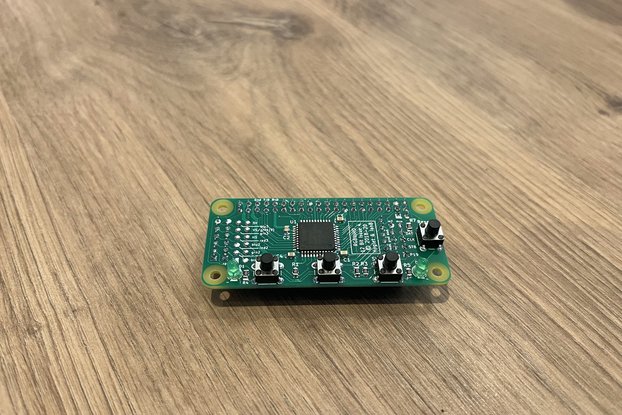
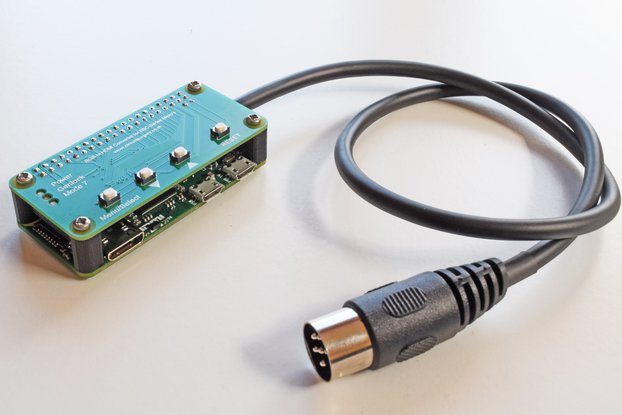
The RGBtoHDMI interface converts the RGB video signal from vintage computers like the Apple II GS or PC MDA/CGA/EGA to HDMI
Sold By PressStart
Buy with confidence.
Our Tindie Guarantee protects your purchase from fraud. Learn More

RGBtoHDMI Video Converter for Vintage Computers The RGBtoHDMI is a specialized video converter designed to connect vintage computers to modern HDMI displays. Based on the open-source project by David…
Read More…RGBtoHDMI Video Converter for Vintage Computers
The RGBtoHDMI is a specialized video converter designed to connect vintage computers to modern HDMI displays. Based on the open-source project by David Banks (Hoglet67) and Ian Bradbury (IanB), this device converts TTL video signals from classic systems into crystal-clear HDMI output using a Raspberry Pi Zero and programmable logic IC.
Why you want it: PIXEL PERFECT OUTPUT! Looks like an emulator output!
Features
Package Contents
Pre-assembled RGBtoHDMI PCB Raspberry Pi Zero Case 1GB SD Card (sometimes 8gb depending upon supply) USB Power Supply MiniHDMI to HDMI adpater
Full unit. No assembly required. The output of the raspberry pi zero is on miniHDMI, so an miniHDMI to HDMI adapter is included. You will need your own HDMI cable to connect to your monitor.
The CPLD is flashed with the latest version. The product has been tested on an MDA and CGA machine.
Technical Specifications
Compatibility This adapter is designed to work directly with vintage computers using a 9-pin D-Sub connector, including:
PC clones (MDA, Hercules, CGA, or EGA) Olivetti Prodest PC1 Commodore 128 (80-column mode)
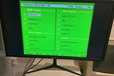
Usage Connect the device to your HDMI monitor and power source, then use a straight-through 9-pin D-Sub cable (not supplied) to connect your vintage system. The on-screen menu allows you to select appropriate video profiles and sub-profiles for different video modes. Profile updates are available through the project's GitHub repository.
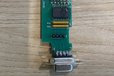
Understanding the versions I sell. This version includes the optional TTL buffer board, which serves two purposes, to provide protection for the CPLD and to bring the internal signals to the outside of the case.
The TTL buffer board can be removed and you could theoretically swap in an analog board, if you so desire.
If you don't need that, then buy the other version called "low cost" and save some money. Also this product requires that you have a standard 9-pin cable to go from your computer to the RGB to HDMI device. Often you can get that from the monitor you are replacing, but otherwise you will need to obtain a straight through 9pin cable.
No country selected, please select your country to see shipping options.
No rates are available for shipping to .
Enter your email address if you'd like to be notified when RGBtoHDMI MDA CGA EGA to HDMI Adapter Complete can be shipped to you:
Thanks! We'll let you know when the seller adds shipping rates for your country.
| Shipping Rate | Tracked | Ships From | First Item | Additional Items |
|---|---|---|---|---|
|
:
|
Product: (5.00)
Documentation: (5.00)
Shipping: (4.00)
Communication: (5.00)
Paul | Feb. 10, 2025
Michael | Jan. 3, 2025
Buy with confidence.
Our Tindie Guarantee protects your purchase from fraud. Learn More
By clicking Register, you confirm that you accept our Terms & Conditions
We recognize our top users by making them a Tindarian. Tindarians have access to secret & unreleased features.
We look for the most active & best members of the Tindie community, and invite them to join. There isn't a selection process or form to fill out. The only way to become a Tindarian is by being a nice & active member of the Tindie community!