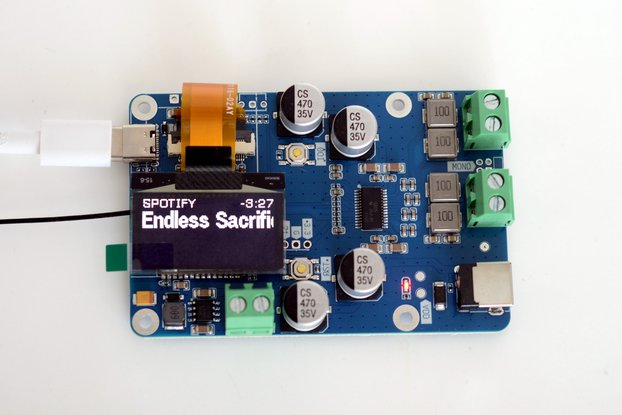
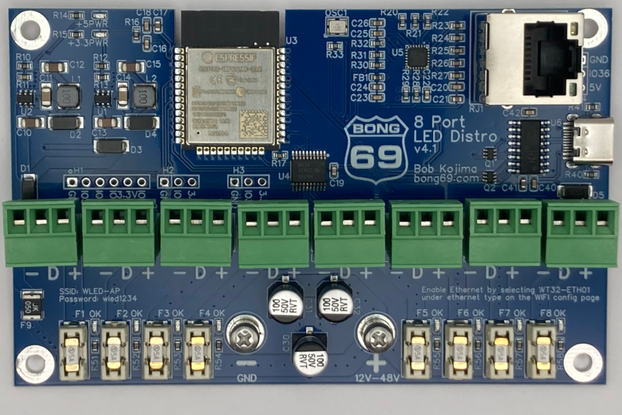
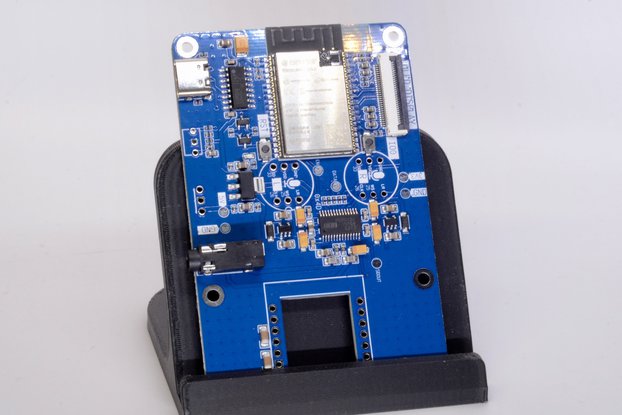
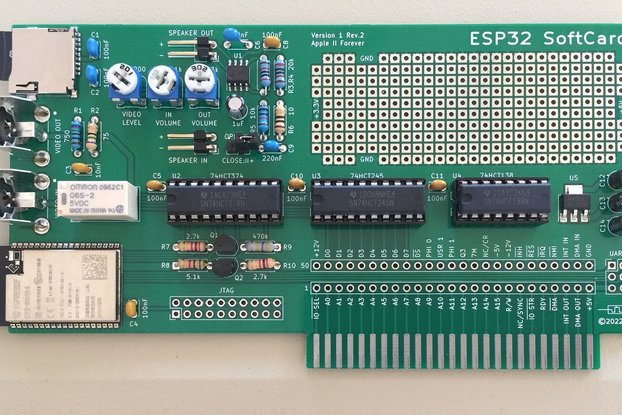
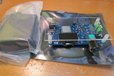
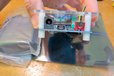
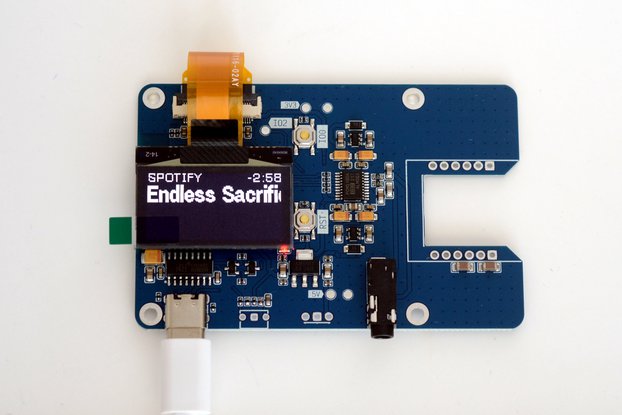
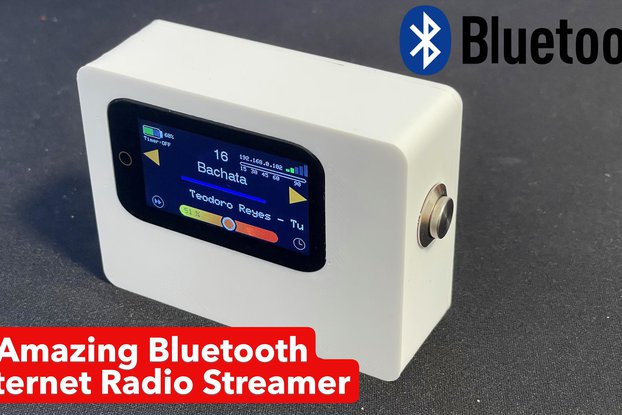
ESP32 Audio developing board, will work as web radio or Bluetooth amplifier
Designed by microwavemont in Japan

This product is no longer available for sale.
The seller may be offering an improved version or it may be hanging out on the beach, enjoying the retired life.

Notes for REV2 Newly very high efficiency 3.3V regulator (ROHM BP5293-33) is backside mounted (no heat production anymore) Acrylic top cover is attached as "service parts" (it is hand drilled and…
Read More…Notes for REV2
Newly very high efficiency 3.3V regulator (ROHM BP5293-33) is backside mounted (no heat production anymore)
Acrylic top cover is attached as "service parts" (it is hand drilled and hand cut. Please accept several imperfectness or trash it and make wonderful one by yourself)..
Other information including schematics are same. Initial firmware for shipping is "bluetooth speaker mode". Please see the information below..
Most up-to-date code is available at n24Bass's GitHub account, please use it for testing..
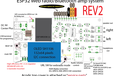
ESP32 (ESP-WROOM-32) with I2S DAC (TI PCM5102A) and class-D amplifier (TI TPA3110)
Because, I did want to enjoy listening web radio by all-in-one board.
By great feature of ESP32, this board can work as standalone
WiFi Web radio, receiving station preconfigured in source. URL switch by on-board tact SW (GPIO_16)
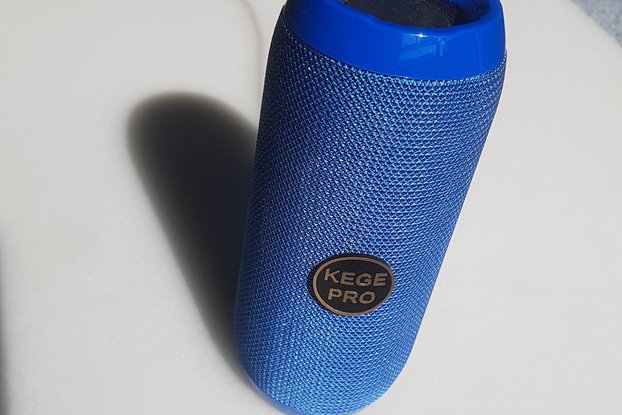
Bluetooth amplifier
Source code is available at GitHub.
This kit includes
Fully-tested (completed) main board
100-240AC/DC 9V adapter
All you will need to prepare is, 4-16 Ohms two passive speakers and WiFi environment (for web radio) or Bluetooth capable equipment (iPhone, Android..)
The acrylic plate in the picture is NOT included (REV1)
Note for this item For programming ESP32, we need to prepare esp-idf environment. As a default firmware, bluetooth speaker mode is uploaded to ESP32. Please re-write firmware for the web radio operation. If you just want to enjoy web radio and jump into web radio mode, please let me know your WiFi SSID/password in "Additional Instructions" in the order form. (WiFi connection requires SSID and password, as you would know..) I would upload firmware with your WiFi setting before shipment. (WEP/WPA both works well..) In the default firmware, OLED display will turn off after 5-seconds after power-on in order to avoid OLED noise problem.
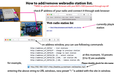
Now add/remove preset URL is enabled through web browser!!
By the great contribution by n24bass, Preset URL's can be add/remove from your web browser by the code in github.
Please access your web radio's IP address by web browser and add and remove station preset as you wish. Assuming your web radio assigned 192.168.1.10 and the case for adding one station.
http://192.168.1.10/0+http://beatles.purestream.net/party.mp3
will add one new preset. the number "0" should be add up to 9. More details can be found in Github's readme
By clicking Register, you confirm that you accept our Terms & Conditions
We recognize our top users by making them a Tindarian. Tindarians have access to secret & unreleased features.
We look for the most active & best members of the Tindie community, and invite them to join. There isn't a selection process or form to fill out. The only way to become a Tindarian is by being a nice & active member of the Tindie community!